Follow the below steps before updating the .NET framework.
I updated from 4.5.1 to 4.6.2
- Update all the DLLs or NuGet packages used in the project to the latest version
- Right click on the solution and select Manage NuGet packages for Solution
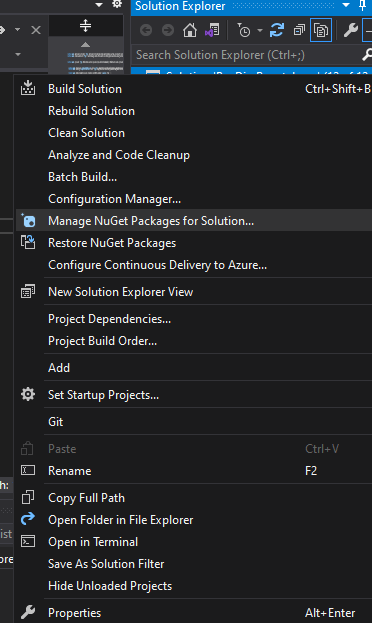
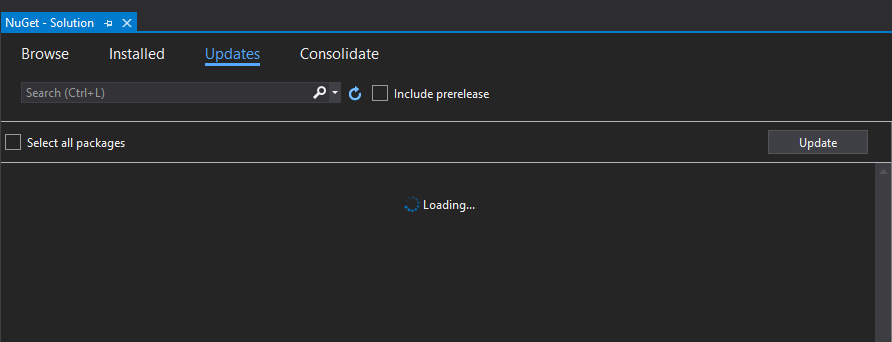
- Update any packages coming under the update tab
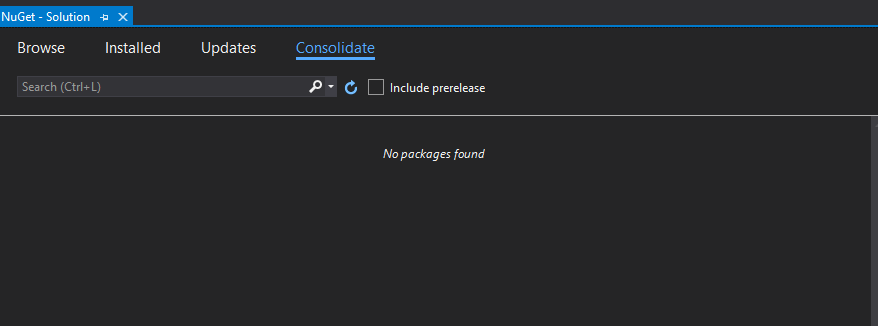
- Consolidate any packages coming under the Consolidate tab. This is to make sure you have the same NuGet package version in all the projects
Once you do the above steps, follow the below steps –
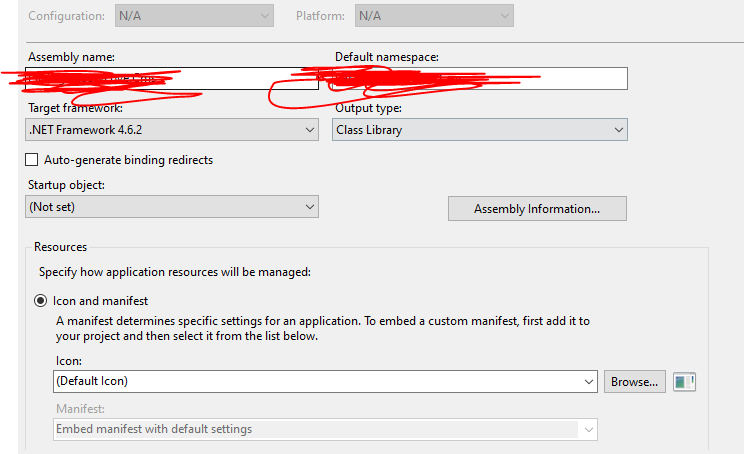
- Right click on each of the project and click Properties. Select the .Net framework version from the Target Framework dropdown as below
2. After updating the framework version for each of the project, you need to target each of the package in packages.config to the new framework version. For this, just run the below command in package manager console –
Update-Package -Reinstall


This blog post on Updating .NET framework is amazing! I’ve been struggling with outdated software, and this information is exactly what I needed. Thank you so much for sharing!
LikeLiked by 1 person